Indoor Asset Tracking
Indoor Asset Tracking - Contact us for Information and Pricing
Contact us for Infomation and Quotations
A wheelchair is needed in one hospital department, but it was left on another floor. A shared tool has moved between workshops. A baggage cart is somewhere inside the terminal, just not where the next shift expects it to be. The equipment is in the building, yet finding it takes time.
With indoor asset tracking in our professional Wialon Platform, teams can see the building, floor, and zone where tagged equipment was last detected. It extends tracking beyond the vehicles outside to the equipment moving inside a customer’s facility.
The map no longer stops at the facility door, Wialon's Platform provides a no-code way to build branded applications for different customer needs.
For an indoor tracking project, we recreate the customer’s facility in the platform. We add buildings and floors, upload floor plans, mark rooms or work zones, link tags to assets, and set up user access.
From "somewhere in the building" to the exact floor and zone in seconds: locate tools, equipment, and assets right on digital floor plans.
From a tag to a place people recognise - the solution combines tags, anchors, and compatible gateways. Together, they form a Wirepas Mesh network that detects tag locations and sends the data to the Platform, where each detection is matched to the configured building, floor, and zone.
The setup has 3 parts:
- A tag is attached to an asset. Its unique ID is linked to that asset in the Wialon Platform
- Anchors placed around the facility detect nearby tags and pass data through the mesh network
- An internet-connected gateway collects the network data and sends it to the Wialon Platform
- Once the network and floor plans are configured, Wialon connects each tag detection to a building, floor, and zone the customer recognises
Once the site is set up, teams can find equipment and check its tracking status with a few simple actions. They can:
- Search by asset, tag, category, floor, zone, or status
- See the building, floor, and zone where an asset was last detected
- Navigate floor plans that use the real names of rooms, departments, bays, and other work areas
- Check the tag connection status and battery level, so teams can act before a tag stops reporting
- Replace a physical tag without recreating the asset record
- Search on the web or continue on site with the mobile APP
For the customer, the process is straightforward:
- search for the equipment
- check its last detected zone
- collect the equipment
Where does indoor asset tracking work best: - the strongest use cases are large sites where valuable equipment moves frequently and a missing item can slow down daily operations
Typical examples include:
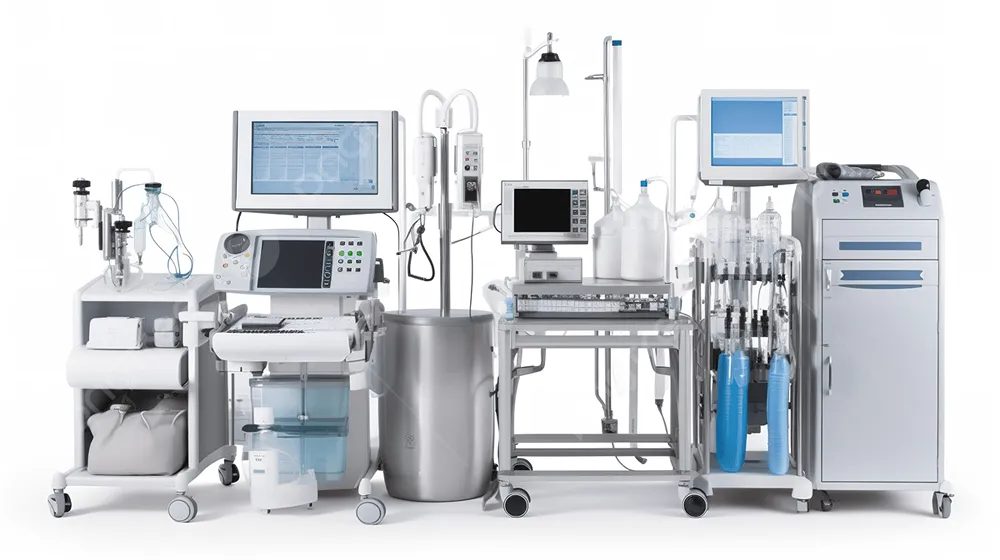
- Hospitals and care facilities. Help teams find wheelchairs, beds, infusion pumps, diagnostic units, and portable monitors moving between rooms, floors, and departments
- Factories and industrial sites. Locate forklifts, material-handling equipment, shared tools, mobile machinery, and returnable containers across production and maintenance areas
- Airports and ground handling. Find baggage carts, tugs, belt loaders, cargo pallets, and other equipment moving through terminals and hangars
- Construction and rental operations. See the latest indoor location of generators, attachments, high-value tools, and returnable equipment kept across depots and facilities
People spend less time searching, helping teams return equipment to use before its absence holds up a procedure, repair, shipment, or shift.